 Denzo
DenzoThe whole practice, in your pocket.
Orders, labs, supplies and balances. Built for the phone first, in Arabic and English.
Denzo is invite-only while we open access gradually.
HOME
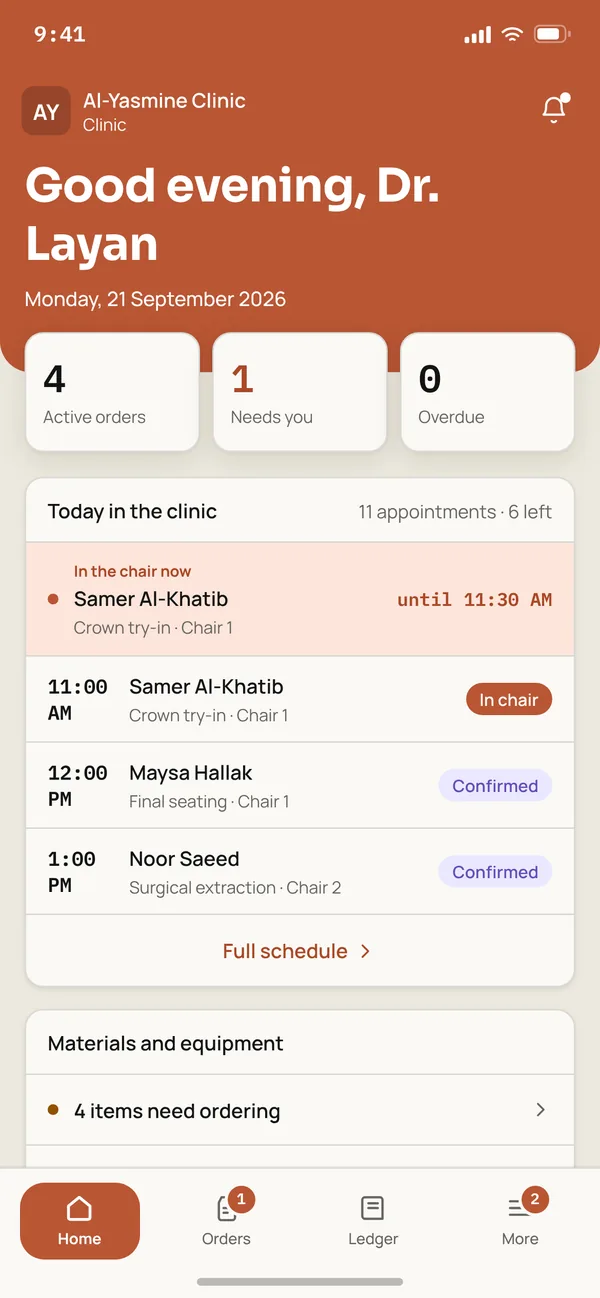
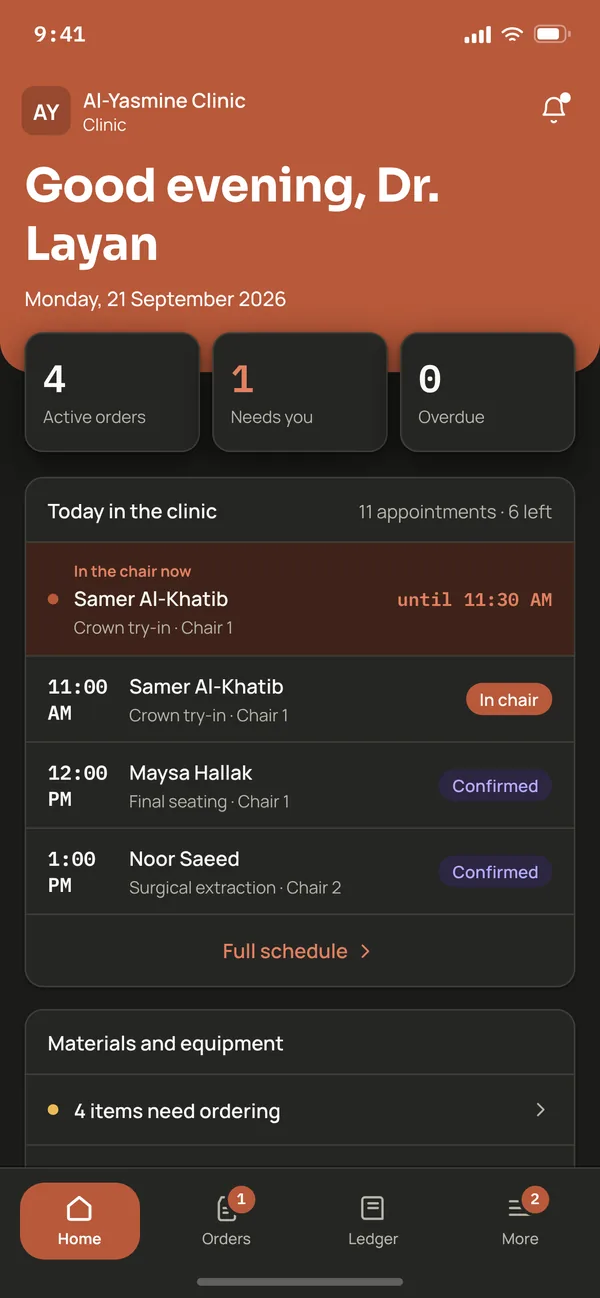
What needs you, first
Today's chairs, the orders that need you, and what is running low, on one screen.
NEW ORDER
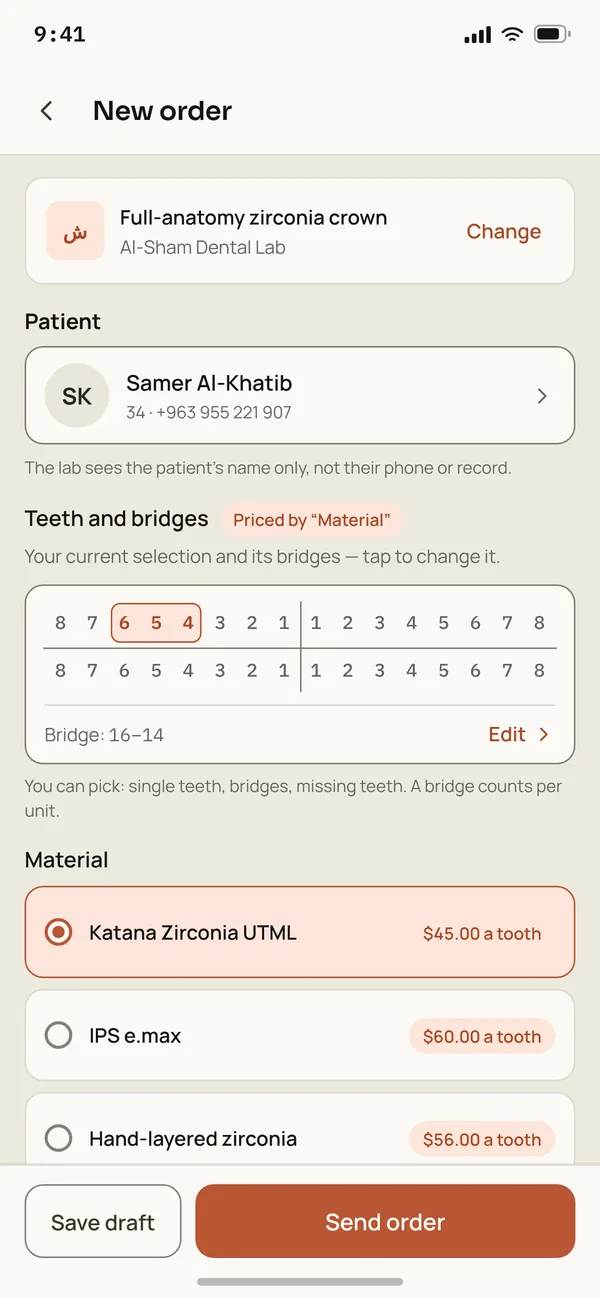
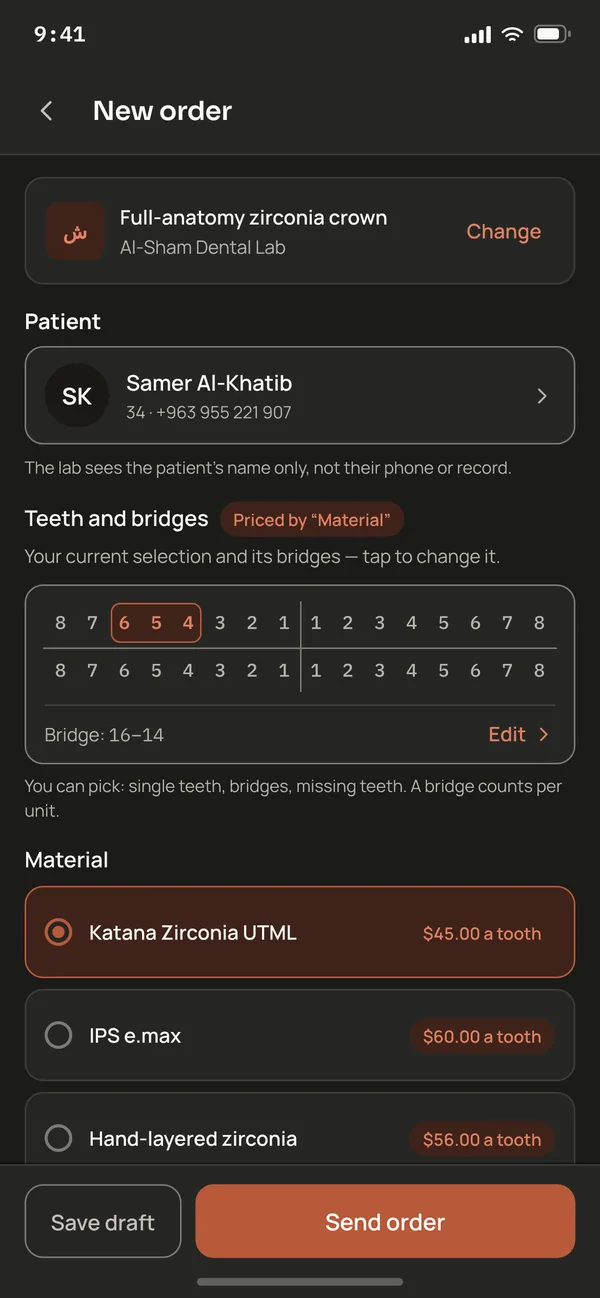
A case, from the chart
Pick the lab's service, the teeth and bridges, and the material. The lab sees the patient's name only.
CHAT
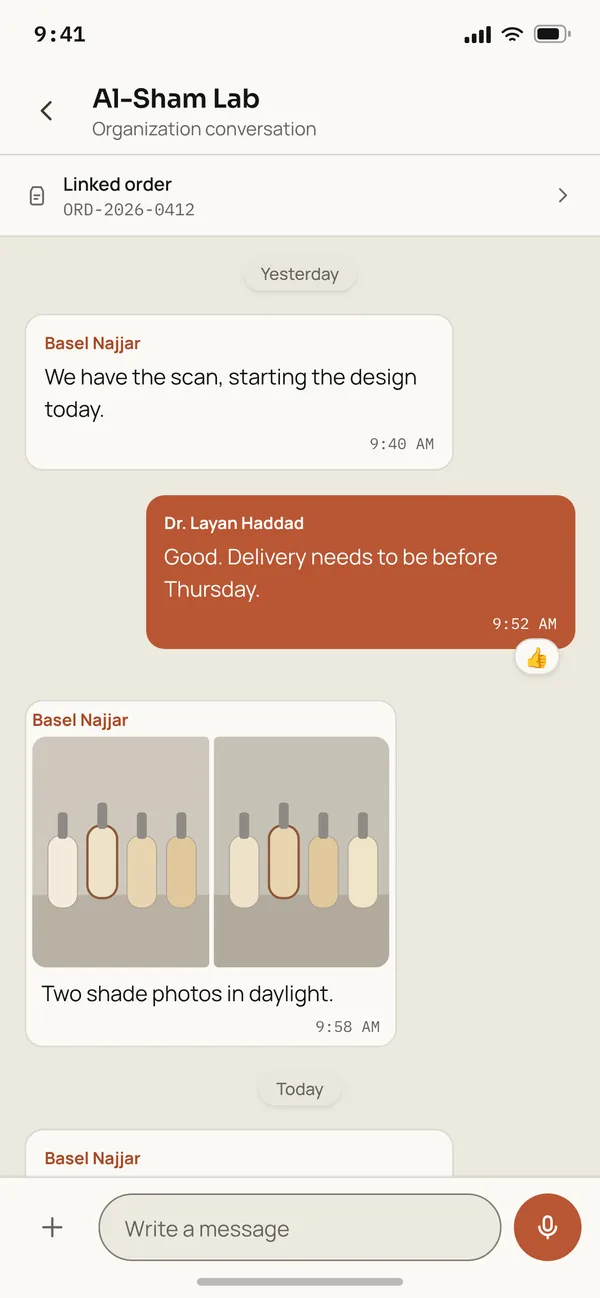
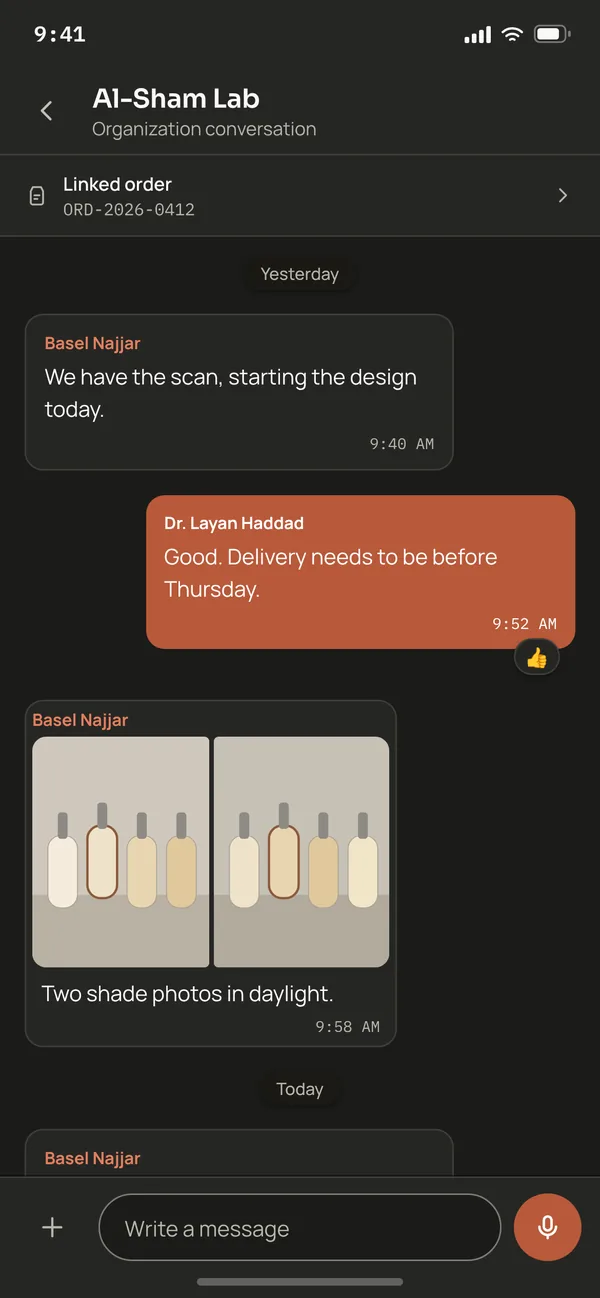
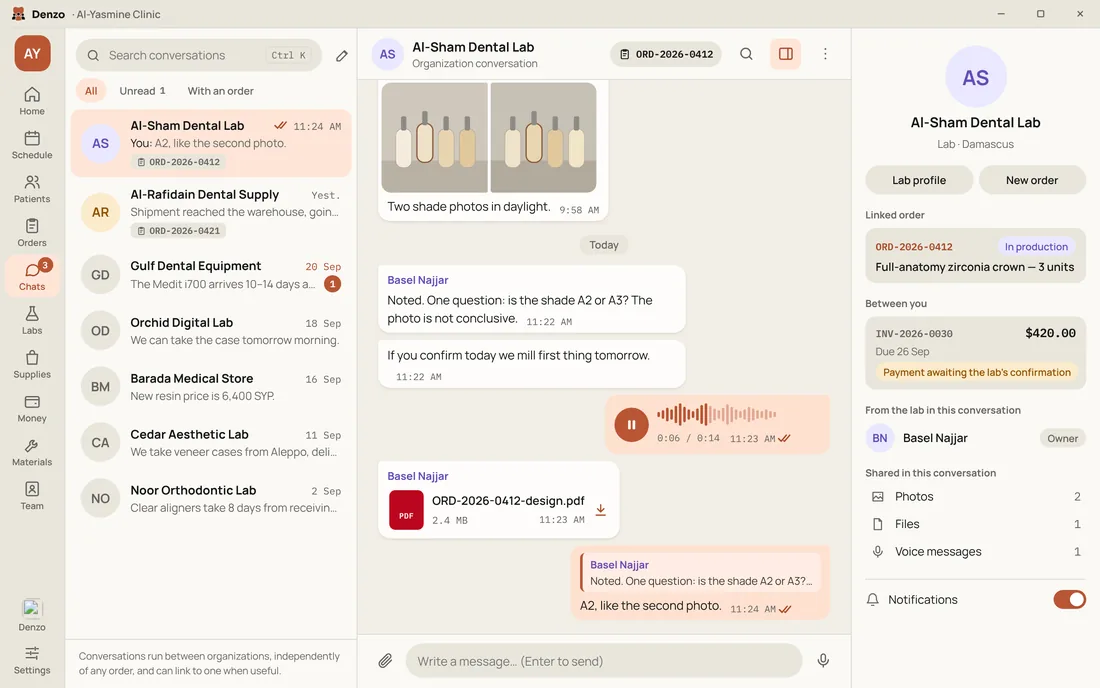
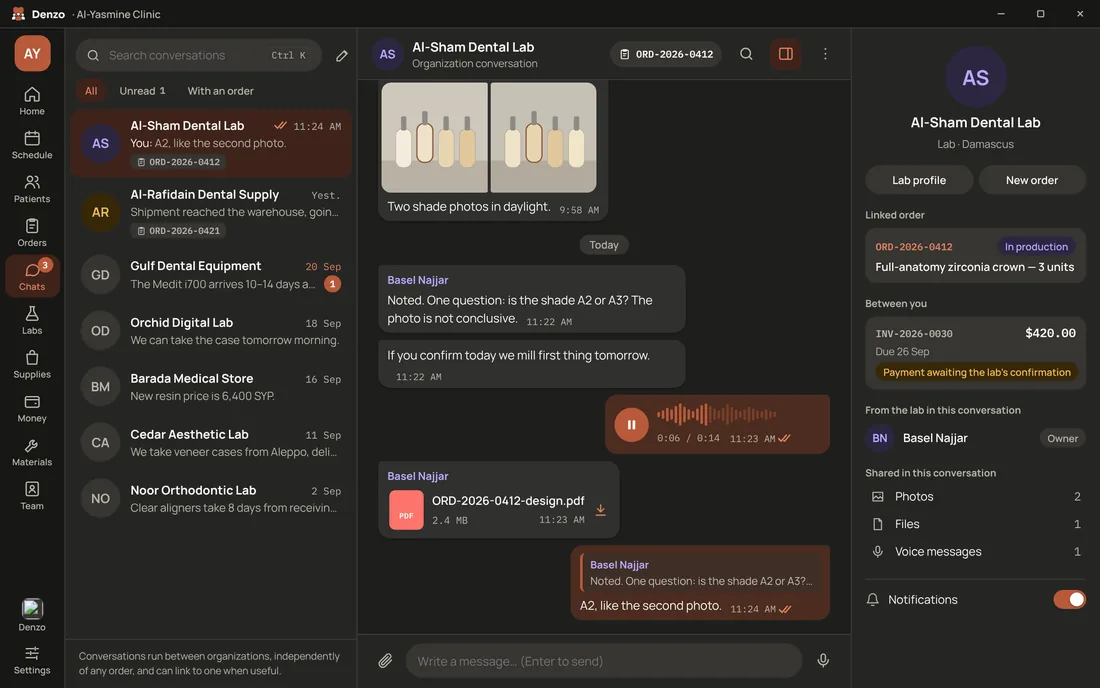
Talk to the lab, in context
Conversations run between organizations and can link to an order when useful.
ORD-2026-0412 · Full-anatomy zirconia crown — 3 units
Two sides. One timeline.
The clinic on one side, the lab on the other. Every step lands on the same timeline, and both see the same order.
- MON09:12
Sends the order
ClinicTeeth on the chart, the material, the date. The draft saves itself.
Full-anatomy zirconia crownBridge: 16–14Katana Zirconia UTMLSave draftSend order - MON09:20
Accepts it
LabA new order waiting on you. Review it, then accept or decline.
PendingAcceptReview - MON09:40
Starts the design
LabThe conversation is linked to the order: messages, photos and voice notes in one thread.
Basel NajjarWe have the scan, starting the design today.9:40 AM - MON11:05
Confirms shade A2
ClinicThe lab is waiting on the A2 shade before milling. One tap answers it.
In productionORD-2026-0412Confirm shade A2 - MON11:24
Moves it to milling
LabShade confirmed, the case moves on, and the clinic is told.
Add photosMove to milling - MON11:24
Hears about it
ClinicStatus changes, new messages and ledger entries, in the app and on the phone.
Order status updatedORD-2026-0412 moved to in production.11:24 AM - THU10:20
Gets the invoice
ClinicThe rate is kept with the invoice. Today's rate changes nothing on it.
INV-2026-003119,305 SYPRate $1 = 143.00 SYP - THU17:45
Confirms the payment
LabA payment counts in no balance until the side it was paid to confirms it arrived.
Payment for INV-2026-0028−$130.00The other currency is untouched. - FRI09:00
Sees every balance
ClinicDollars and pounds, each on its own. Nothing adds them together.
You owe$732.0019,305 SYP
The lab gets the patient's name and the case notes only. Phone and records are never shared.
DENZO FOR DESKTOP
On the front desk too.
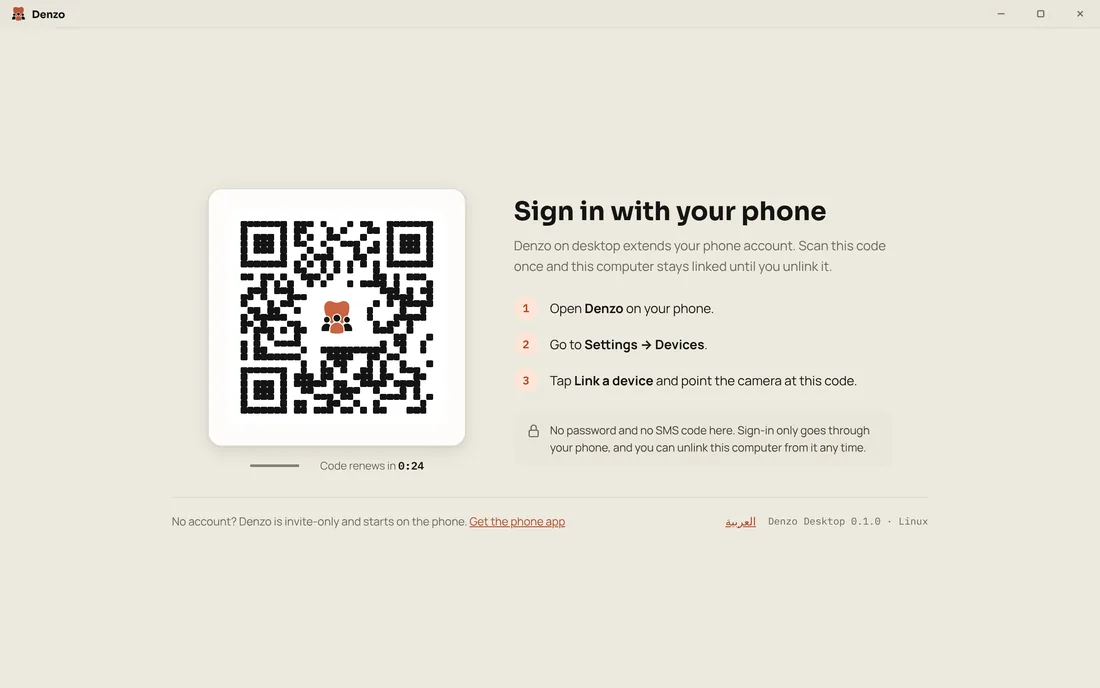
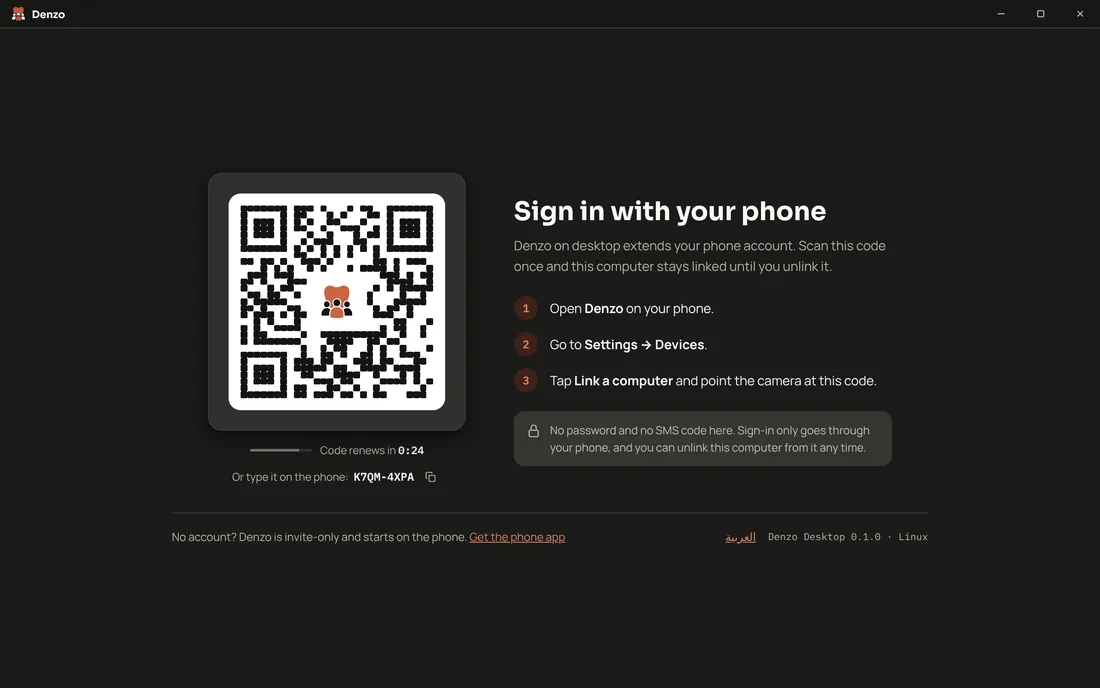
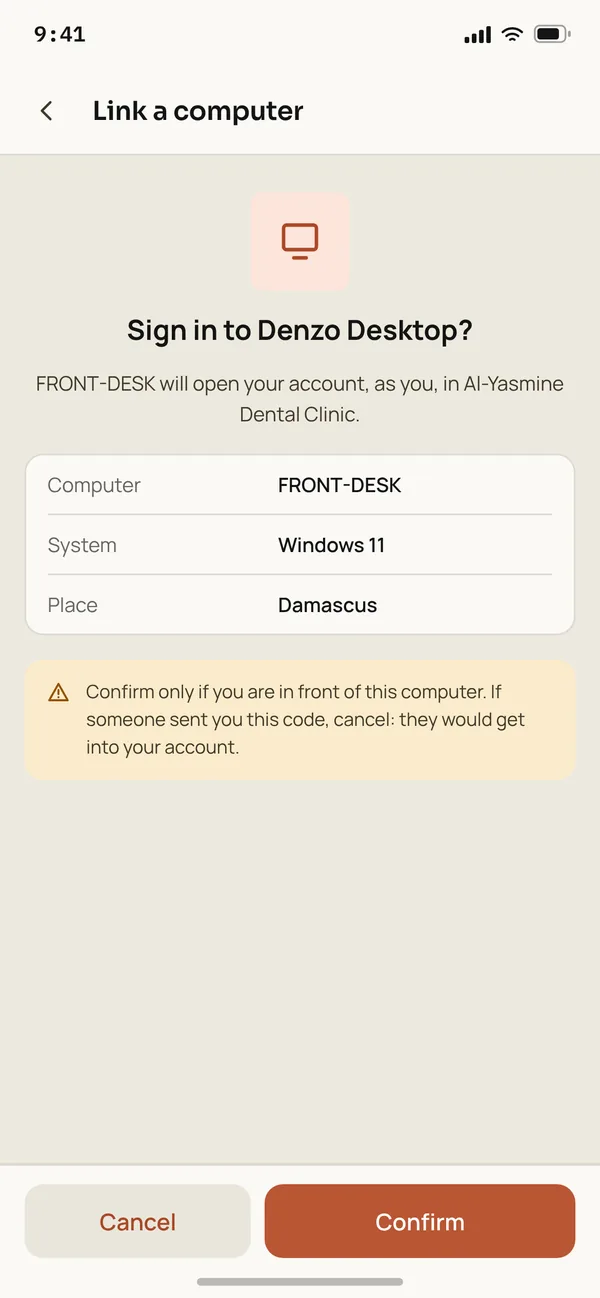
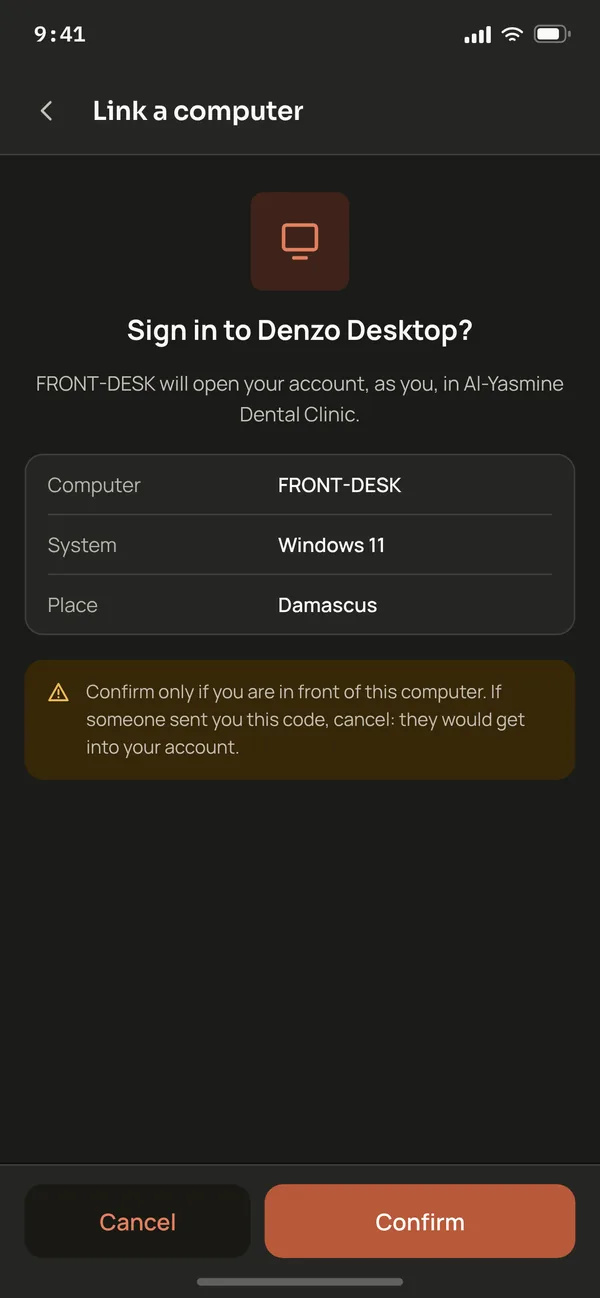
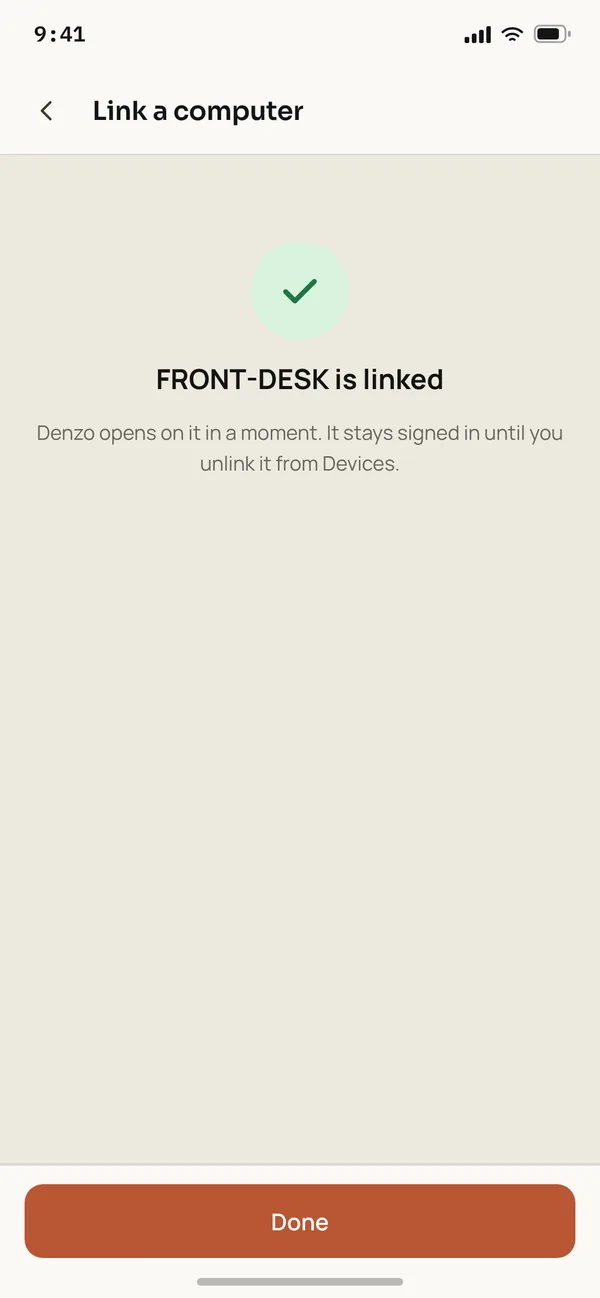
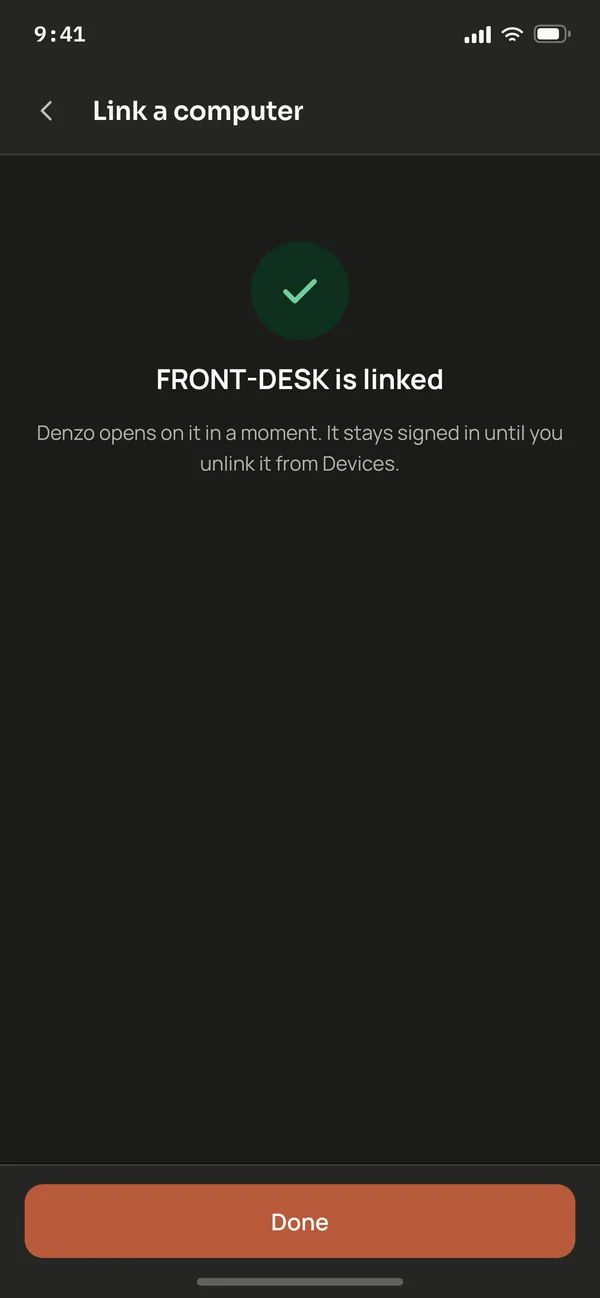
Denzo for desktop runs on the clinic or lab computer. Link it from your phone: scan the code, confirm, and it's yours.
- 1Open Denzo on your phone.
- 2Go to Settings → Devices.
- 3Tap Link a device and point the camera at the code.
No password or SMS code here. Sign-in only goes through your phone, and you can unlink this computer from it any time.




Ask for an invitation.
Denzo is invite-only while we open access gradually. Message us on WhatsApp, tell us about your clinic, lab or store, and we will set you up.